Documentation Index
Fetch the complete documentation index at: https://docs.memobase.io/llms.txt
Use this file to discover all available pages before exploring further.
Memobase serves as a user profile backend for LLM applications, enabling them to track and update specific user attributes over time.
By default, Memobase includes a set of built-in profile slots for common use cases, but it also offers full customization to control the specific memories your application collects.
Locating the config.yaml File
Memobase uses a config.yaml file for backend configuration. You can find this file at src/server/api/config.yaml in your self-hosted instance. A typical configuration looks like this:
max_chat_blob_buffer_token_size: 1024
buffer_flush_interval: 3600
llm_api_key: sk-...
best_llm_model: gpt-4o-mini
# ... other settings
Understanding Profile Slots
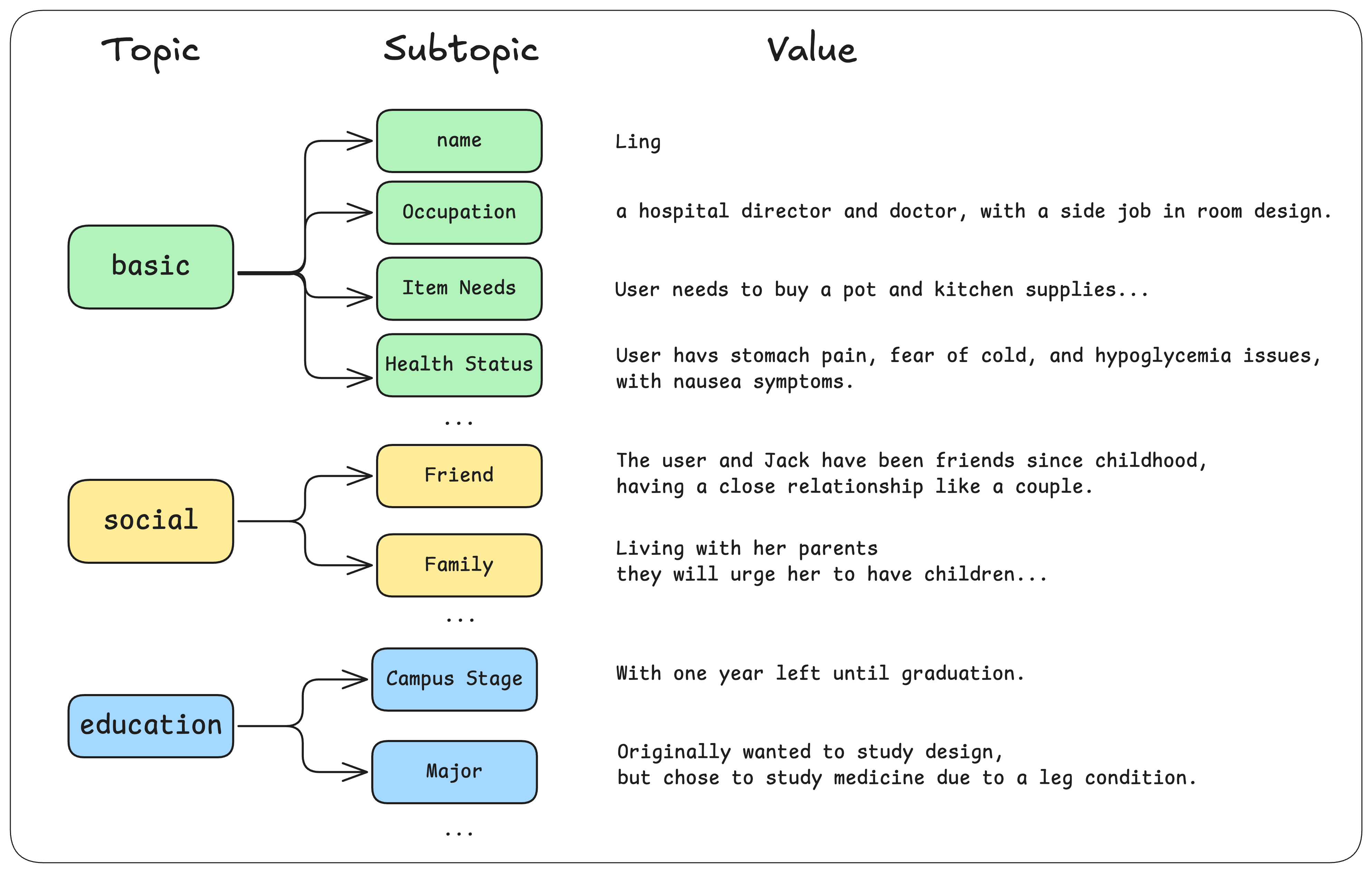
Memobase comes with a default schema of profile slots, such as:
- basic_info
- name
- gender
- education
- school
- major
You can extend this schema by adding custom slots under the additional_user_profiles field in config.yaml:
additional_user_profiles:
- topic: "Gaming"
description: "Tracks the user's gaming preferences and achievements."
sub_topics:
- name: "FPS"
description: "First-person shooter games like CSGO, Valorant, etc."
- name: "LOL"
- topic: "Professional"
sub_topics:
- name: "Industry"
- name: "Role"
Memobase will then track these additional slots and update the user profile accordingly. If you need to define a completely custom schema, use the overwrite_user_profiles field instead.
For detailed instructions on formatting profile slots, see Profile Slot Configuration.